Copilot, AI assistants in your inbox and automated workflows – set up securely, so your data stays with you. We start with the tasks that take the most time.
The same email questions get answered again and again
Invoices, receipts and forms are typed in by hand
Staff use ChatGPT with company data – without clear rules
You know AI can help, but not where to start
AI can save a lot of time – but only if it’s built securely into your daily work.
Copilot in Outlook, Teams, Word and Excel that knows your own emails and files. We supply the licences and set up access correctly, so Copilot only sees what it should.
An AI assistant reads shared inboxes and drafts replies based on your prices and previous answers. A team member approves before anything is sent.
Power Automate and AI move data between systems, sort receipts and send reminders, so routine tasks run on their own.
Which tools may your staff use, and what may they see? We write an AI policy that fits GDPR and show your team how to use AI safely.
Built into the apps you already use. Makes most sense when your email and files are in Microsoft 365.
Strong at writing, ideas and summaries. With a business account, your data isn’t used to train the models.
Strong at long documents and tasks connected to your email and systems. The business account doesn’t train on your data either.
Microsoft’s tool for automated workflows between e.g. Outlook, SharePoint, Excel and your accounting system.
We’re not tied to one tool – we recommend what fits the task and your data. You can buy Copilot licences from us together with the rest of your Microsoft 365.
Emails to info@ automatically get a draft based on your prices and previous answers. A team member edits and sends.
Incoming invoices are saved, named and passed on to bookkeeping with no manual work.
Copilot in Teams writes notes and a task list after the meeting, so nobody has to take minutes.
A flow creates the user, licence and access when someone starts – and cleans up when they leave.

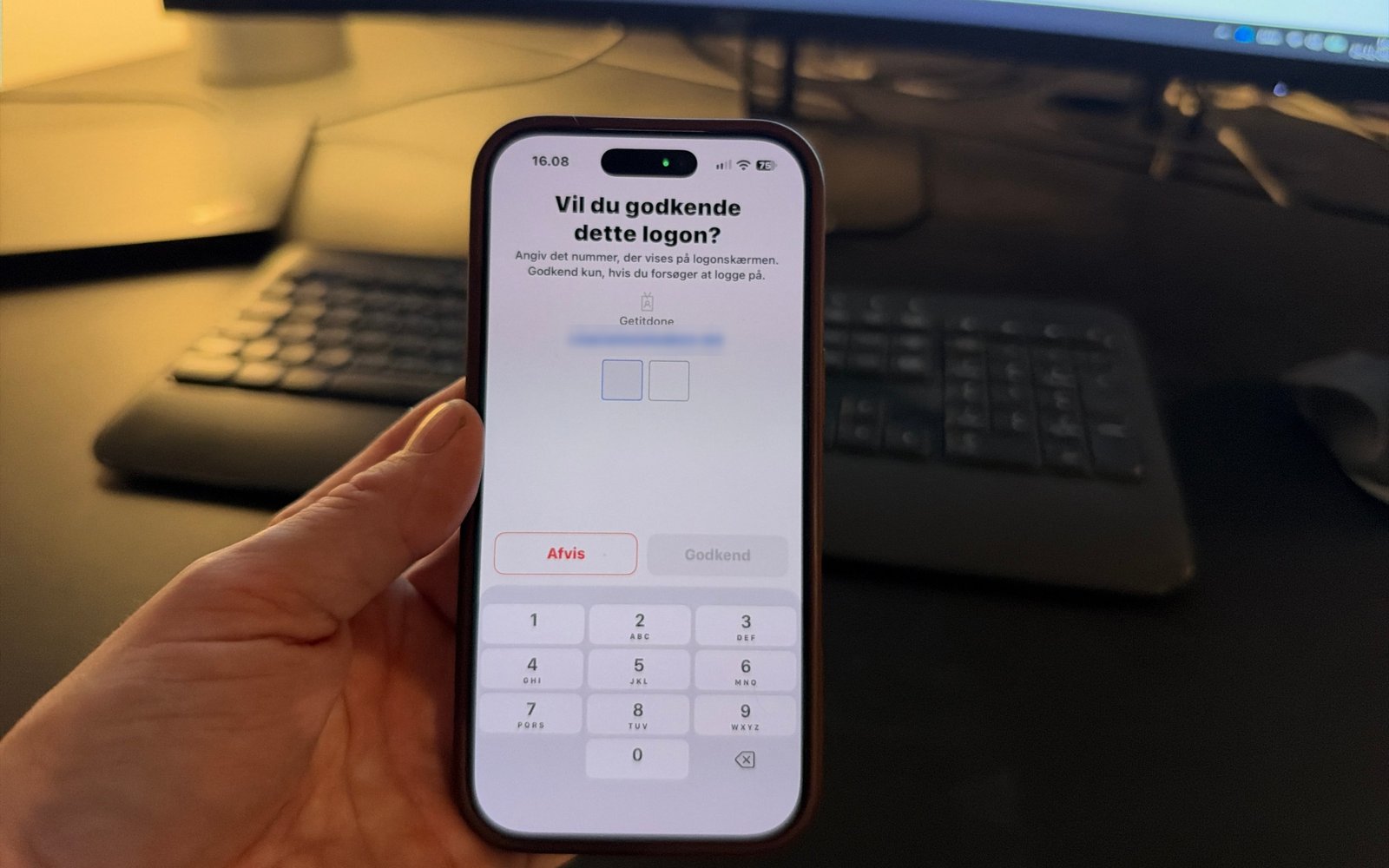
AI tools only get access to what they need. We set up permissions, logging and two-factor authentication, so your data doesn’t end up in the wrong place.
Tell us what’s causing problems and what you need.
We find the tasks where AI and automation save the most time.
You get a concrete proposal and a fixed price before we start.
We set it up and test it, with minimal disruption to your day-to-day work.
If you like, we take care of it going forward – with one dedicated contact.
Yes, when it’s set up correctly. With the business versions of Copilot, ChatGPT and Claude, your data isn’t used to train the models, and we make sure AI only has access to what it needs.
Not necessarily. Copilot makes most sense when your email and files are in Microsoft 365. We help you choose – and you can buy the licences from us.
No. By default the assistant only writes drafts, and a team member approves before anything is sent.
We choose solutions with a data processing agreement and EU data storage where possible, and write an AI policy describing what staff may use AI for.
We work by the hour or on a fixed quote. For larger jobs, you always get a fixed quote first.

Call +45 20 30 06 05, email kontakt@getitdone.dk, or book a free consultation.